Understanding VPN: A Comprehensive Guide
In today’s hyper-connected world, ensuring online privacy and security has become more critical than ever. This is where a vpn (Virtual Private Network) steps in, offering a solution to various online threats while enhancing your internet experience. Whether you're working remotely, streaming content, or simply browsing the web, understanding VPNs can significantly benefit your online activities.
What is a vpn?
Definition and Purpose
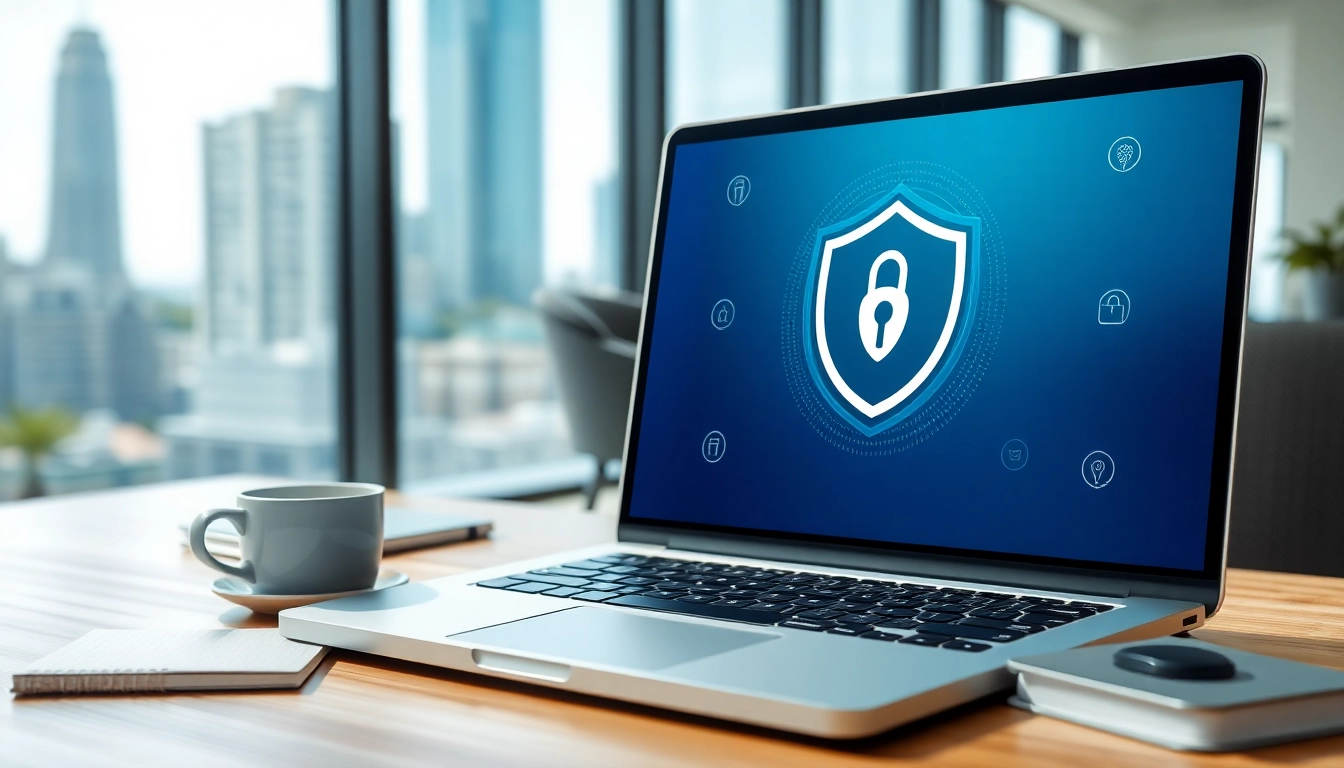
A VPN is a service that creates a secure connection over a less secure network, such as the internet. The primary purpose of a vpn is to protect your internet traffic from snooping, interference, and censorship. By routing your internet connection through a private server, a VPN masks your IP address, making your online actions less traceable.
How it Works
VPNs use various protocols to ensure that your data is securely transmitted. Encryption protocols scramble your data into an unreadable format while it travels between your device and a VPN server. When the data reaches its destination, it is decrypted, allowing you to access the internet securely. This process not only safeguards sensitive information but also allows users to browse the web safely.
Types of VPNs
There are several types of VPNs designed for different needs:
- Remote Access VPN: Connects individual devices to a remote server, allowing users to access company resources from anywhere.
- Site-to-Site VPN: Connects entire networks to each other, ideal for businesses with multiple locations.
- Personal VPN: Typically used by individuals to protect their online privacy, often incorporating encryption and IP masking.
- Mobile VPN: Designed for mobile devices, allowing secure connections while on the move.
Benefits of Using a vpn
Enhanced Privacy and Security
One of the most significant benefits of using a VPN is the enhanced privacy it provides. By encrypting your internet connection, VPNs protect sensitive data from hackers, especially when connected to public Wi-Fi networks. This encryption masks your online activities, making it difficult for third parties to track your actions.
Accessing Geo-Restricted Content
Many online services impose geographical restrictions, which can limit the content accessible in certain regions. A VPN allows users to bypass these restrictions by masking their actual location, enabling them to access content from different countries, such as popular shows on streaming platforms that may not be available in their region.
Improved Online Experience
A VPN can lead to a better online experience by reducing latency and providing faster speeds during data transmission. This is especially beneficial for gamers and streamers who require stable connections for an uninterrupted experience. Moreover, using a VPN helps in reducing online throttling imposed by Internet Service Providers.
Choosing the Right vpn
Key Features to Consider
When selecting a VPN service, consider the following features:
- Security Protocols: Look for VPNs that offer robust encryption standards like AES-256.
- No-Logs Policy: A VPN that doesn’t store your online activity logs is essential for privacy.
- Server Locations: The more server locations available, the more options you have for masking your IP address.
- Multi-Device Support: Ensure the VPN can be used on various devices without restrictions.
Free vs Paid vpn Solutions
Free VPN services can be tempting, but they often come with limitations such as data caps, slow speeds, and weaker security protocols. Additionally, some may track your online activities for advertising purposes. Paid VPNs, while requiring a monthly or yearly subscription, typically offer better performance, reliability, and comprehensive security features.
User Reviews and Reputation
Researching user reviews can provide valuable insights into the performance of a VPN service. Look for feedback regarding speed, reliability, customer service, and the effectiveness of security features. A reputable VPN provider should have consistent positive reviews across multiple platforms.
Setting Up Your vpn
Installation Guide
Setting up a VPN typically involves the following steps:
- Choose a VPN provider and sign up for a plan.
- Download the VPN app for your device from the official website or app store.
- Install the application and log in using your credentials.
- Choose a server location and connect to the VPN.
Common Configuration Options
After installation, you may want to customize settings such as the VPN protocol, enabling a kill switch, or allowing split tunneling. The kill switch will disconnect your internet if the VPN connection drops, thereby preventing exposure of your IP address. Split tunneling enables you to choose which apps use the VPN while others can access the internet directly.
Testing Your Connection
After setting up your VPN, it’s important to test your connection to ensure that it’s functioning correctly. You can verify your IP address to confirm that it reflects the VPN server's location instead of your actual location. Additionally, conducting speed tests can help assess the performance and reliability of your connection.
Frequently Asked Questions
What is a vpn and why do I need one?
A vpn is a service that encrypts your internet connection, helping protect your privacy online and allowing you to access geo-restricted content.
Can I use a vpn on multiple devices?
Yes, most VPN services allow you to connect multiple devices simultaneously, enhancing your online security across all your gadgets.
Are free vpns reliable?
Free vpns can be unreliable, as they often come with limitations on speed and security. Paid vpns generally offer more robust features and stronger security.
How does a vpn protect my data?
A vpn encrypts your internet traffic, making it unreadable to anyone who tries to intercept it, thus protecting sensitive information from potential threats.
Is using a vpn legal?
Yes, using a vpn is legal in most countries. However, it’s essential to adhere to local laws and regulations when accessing online content.